


Alight Mobile
3.43.63K Reviews
App Specs
- Version
- 7.2.0
- Updated On
- License
- Free
- Downloads
- 1,000,000+
- Developer
- Alight Solutions, LLC
- Categories
- Business
- Platform
- Android, iOS
Screenshots
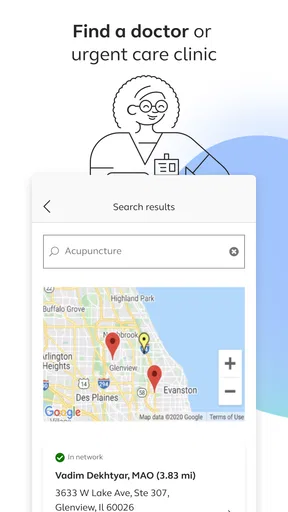
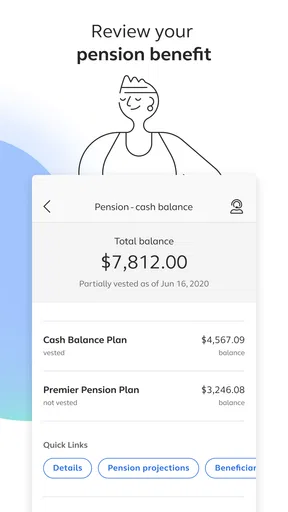
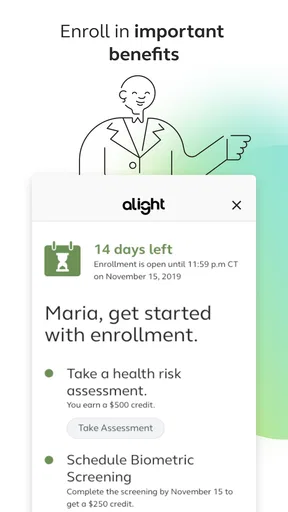
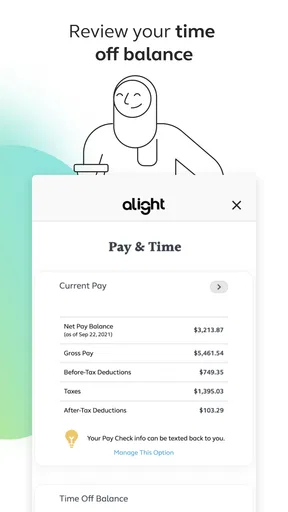
 Analysis by AppCompare
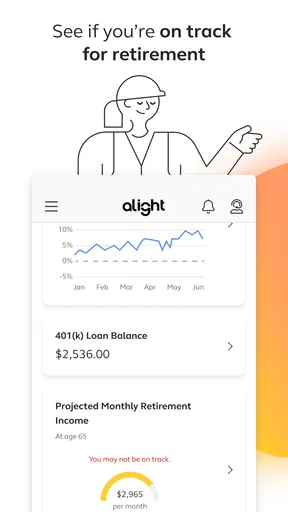
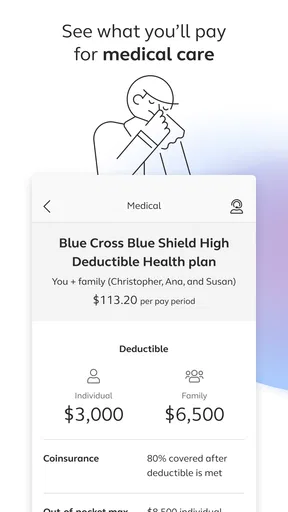
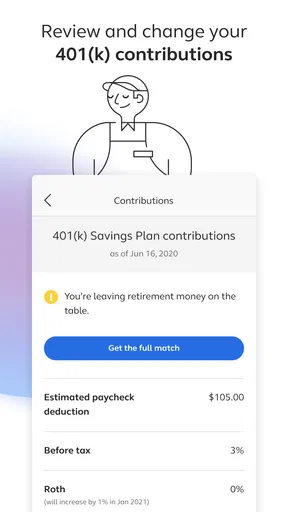
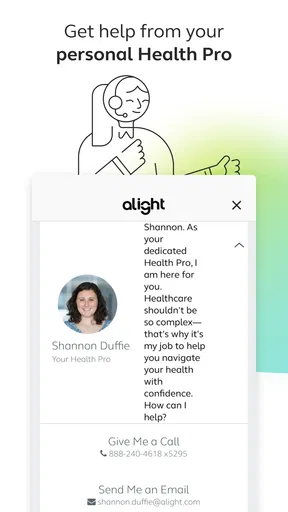
I judge a benefits app less by how impressive it sounds and more by how clearly it helps me handle a real-life task. Alight Mobile is a business app from Alight Solutions, LLC, built for people who want to check in on workplace benefits away from a computer. That narrow purpose is its main strength: it is best understood as a mobile doorway to benefits information, not as a general finance, insurance, or HR tool.
That distinction matters for trust. Benefits can involve sensitive decisions, but an app’s subject matter alone does not tell me what information it collects, what permissions it requests, or how an employer has configured access. I would not assume more than I can see. My practical advice is to review the permission prompts on your own device, read the privacy details presented during setup, and avoid sharing a sign-in code or password with anyone. Those are sensible checks for any app that connects to workplace information.
What the app is—and who it serves
The idea is straightforward: use a phone to reach benefits-related information without waiting until you are back at a desk. That can suit someone who needs to look something up during a lunch break, while travelling, or when a question comes up at home. It is less compelling if you rarely manage benefits yourself, or if your employer’s preferred process is a different portal that you already use successfully.
I would treat the app as a companion to the benefits arrangements available through your workplace, rather than a replacement for the people or documents that explain them. An app can make information easier to reach, but it cannot make an unfamiliar plan automatically clear. When a decision has financial or health consequences, I would use the mobile view to orient myself and then check the underlying plan details before acting.
Using it carefully in everyday situations
I find it helpful to treat a benefits app as a place to look up information, not as a substitute for understanding a plan. In this section, I focus on simple habits that make phone-based checks more deliberate, especially when a detail could affect a decision.
Useful moments, with a little preparation
A realistic use is checking a benefits detail when you need it away from home: perhaps you are organising paperwork, answering a family question, or trying to remember where to find information before a workday gets busy. I would open the app with enough time to sign in and locate the relevant section, rather than relying on it as an emergency shortcut. Keeping a trusted route to your employer’s benefits contact nearby is also wise when the answer needs interpretation rather than a quick lookup.
One useful habit is to decide what you need before opening the app. A focused question—such as locating a particular plan detail—is easier to handle on a small screen than wandering through menus while distracted. If the information is important, note the exact wording and where you found it, then verify it through the appropriate workplace resource before making a consequential choice. This is not busywork: benefit terms can be easy to misread when you are moving quickly.
Worth Reading Before You Choose

EA SPORTS FC Mobile 26 Is a Bigger Football Game, but It Takes Time

Flipboard Shows What News Apps Must Do Beyond the Feed

Switching to Android Auto Means Rethinking Your Driving Routine

Google Calendar Makes a Crowded Week Easier to Manage

Ludo King Makes the Most of the Minutes Between Plans

Baby Panda World Brings Quick Play to Modern Phones, but Its Game Library Feels Busy
Where it fits among alternatives
Compared with signing into a benefits website on a laptop, a mobile app can be more convenient for brief checks and for people who prefer handling routine tasks on a phone. A desktop portal may still be the better choice when you need to compare several documents, read lengthy explanations, or work through a decision that requires concentration. Paper plan materials and direct help from an employer or benefits professional also remain useful alternatives when you need context, not just access.
The best choice depends on the task. I would reach for a phone when I want a quick starting point, but I would not assume the app replaces every channel or contains the final word on a complex question. If the app does not show what you need, or if a screen leaves you uncertain, switching to the workplace portal or asking the relevant contact is a sensible next step—not a failure of the app.
Small checks that make the experience safer
Before relying on it, confirm that you are using the app your workplace expects and that you can complete sign-in on your own device. If a prompt asks for access to something on your phone, consider whether that access makes sense for the action you are trying to take; decline anything you are uncomfortable with and see whether the task still works. I also recommend using your device’s normal lock screen and signing out on a shared phone. These steps do not guarantee security, but they reduce avoidable exposure in ordinary situations.
Another practical trade-off is convenience versus screen size. A phone is handy when you have a spare moment, but small text and compact layouts can make detailed information harder to review carefully. If you find yourself rereading a paragraph or comparing multiple items, pause and use a larger screen. Treating the app as an access point rather than the only place to make a decision helps avoid rushed interpretation.
Who should choose it—and who may not need it
I can see this being useful for employees who manage workplace benefits themselves and value having a mobile route for occasional checks. It is also a reasonable option for someone who already uses Alight’s workplace services and wants to see whether their benefits tasks are easier to handle from a phone. The app is free, rated for Everyone, and has an average rating of 3.5 from around 43,000 ratings, with more than a million installs. Those figures suggest it has a substantial audience, but they do not tell me whether it will match a particular employer’s setup or an individual’s needs.
On the other hand, I would not install it just because I wanted a broad personal-finance dashboard, a general insurance comparison tool, or a place to manage benefits unrelated to my workplace. Someone who rarely checks benefits may be better served by keeping the employer’s website or support contact handy. And if you prefer to review sensitive information only on a computer, that preference is entirely reasonable; mobile access is a convenience, not an obligation.
What to expect from setup and ongoing use
The app first appeared on October 6, 2020, and its current version is 7.2.0. It requires iOS 12 or later. I would check compatibility and confirm that my workplace uses the service before making it part of my routine. The initial question is not simply whether the app installs, but whether your account can reach the benefits information you actually need. If access is tied to workplace credentials or configuration, your employer’s instructions are the sensible place to start.
People often wonder whether they can use an app like this without help, whether it replaces a website, and what to do when the information seems incomplete. My answer is practical: try a low-stakes lookup first, use the workplace guidance if sign-in or access is unclear, and keep the web portal or benefits contact as a fallback. For a complicated choice, confirm the detail with the source responsible for the plan rather than relying on a quick mobile glance. That approach lets convenience help without asking the app to do more than its role.
A measured verdict
There is a meaningful difference between being able to reach benefits information and having enough context to make a decision. I see the app as most valuable for the first part: it can give eligible users a phone-based route to workplace benefits when that is more convenient than opening a computer. Its value will depend heavily on whether your employer’s setup and your own habits make mobile access useful.
My recommendation is cautious but positive for people who already have a reason to use Alight’s benefits services. Try it for a simple task, pay attention to the choices shown during setup, and switch to a larger screen or a qualified workplace contact when the question deserves more care. If you are not connected to a workplace benefits arrangement that uses it, or you want a universal benefits manager, this is probably not the right fit.
Getting Started with Alight Mobile
First things first, downloading Alight Mobile was a breeze. A quick search in the app store, and I was on my way to editing like a pro. The app's interface might seem a bit overwhelming at first—so many buttons, so little time—but hang in there, it's worth the initial confusion.
Alight Mobile packs a punch right from the get-go. Once you open the app, you're greeted with a plethora of features that, honestly, made me feel like a kid in a candy store. From basic trimming to advanced VFX, it's all there. And let me tell you, the plethora of effects is nothing short of mind-blowing.
Features That Stand Out
What truly sets Alight Mobile apart are its numerous features. The app offers a multi-layer timeline, which is a game-changer. It allows you to add text, music, and images, all while keeping everything well-organized. Trust me, the ability to layer content like this makes your edits look professional.
Then there's the keyframe animation tool. If you've never used keyframes before, prepare to have your mind blown. They give you the ability to control the motion of your elements frame by frame. Yes, it requires a bit of patience and practice, but the result is a seamless animation that looks like it came straight out of a high-budget production.
Another noteworthy feature is the color correction tool. Whether you're enhancing the vibrancy of your footage or going for that moody, cinematic look, Alight Mobile has your back. The app offers a range of filters and adjustments, allowing you to tweak everything from brightness to saturation.
User Experience
Now, let's talk about the user experience. Navigating through the app is generally smooth, though I did encounter a couple of hiccups. For instance, the app can lag a bit when dealing with larger projects, but nothing too frustrating.
The tutorials available within the app are a lifesaver. If you're new to video editing or just need a refresher, these guides walk you through the basics and even some advanced techniques. It's like having a mini crash course at your fingertips.
Final Thoughts
Overall, Alight Mobile is a powerhouse for anyone looking to delve into the world of video editing. Whether you're a beginner or a seasoned editor, the app offers something for everyone. Sure, it takes a bit of time to master all the features, but once you do, the possibilities are endless.
In a world where content creation is king, having a tool like Alight Mobile in your arsenal is indispensable. So go ahead, unleash your creativity, and let your videos speak volumes!
Pros
- User-friendly interface
- easy to navigate.
- Comprehensive editing tools available.
- Supports high-resolution video exports.
- Regular updates with new features.
- Excellent customer support response time.
Cons
- Steep learning curve for beginners.
- Requires significant storage space.
- In-app purchases can be expensive.
- Occasional crashes on older devices.
- Limited music library for free users.
FAQs for Alight Mobile
What is Alight Mobile and what does it offer users?
Alight Mobile is a comprehensive video editing app available for both Android and iOS platforms. It offers a wide array of features, including multi-layer editing, keyframe animation, and a vast library of effects and transitions. It's designed for both beginners and professional editors seeking a versatile tool for creating and sharing videos.
Is Alight Mobile free to use, and are there any in-app purchases?
Alight Mobile offers a free version with basic features and watermarked exports. However, to access premium features, such as advanced effects and ad-free usage, users can opt for in-app purchases or subscribe to a membership plan. This allows for a more enhanced editing experience without limitations.
How user-friendly is Alight Mobile for beginners?
Alight Mobile is designed with an intuitive interface, making it accessible for beginners. It provides tutorials and guided workflows to help new users navigate the app. Despite its advanced capabilities, the app's layout and tools are straightforward, enabling users to quickly learn and start editing their videos efficiently.
Can Alight Mobile handle high-resolution video editing?
Yes, Alight Mobile supports high-resolution video editing, including 4K. This makes it suitable for users looking to create professional-quality content. The app's robust processing power ensures smooth editing, even for large files, though device capability may affect performance and export times.
Does Alight Mobile require an internet connection to function?
While Alight Mobile does not require an internet connection for basic editing, an internet connection is necessary for accessing online resources, such as downloading additional effects, transitions, and updates. Users can still perform offline editing with already downloaded resources and features.


